
Server Availability Monitoring at a Glance
Add your services and set monitoring policies (check interval / retry threshold / timeout). BackendPulse automatically executes heartbeat tasks and records results. Trends and recent failures are clearly presented. Supports email verification and account security.
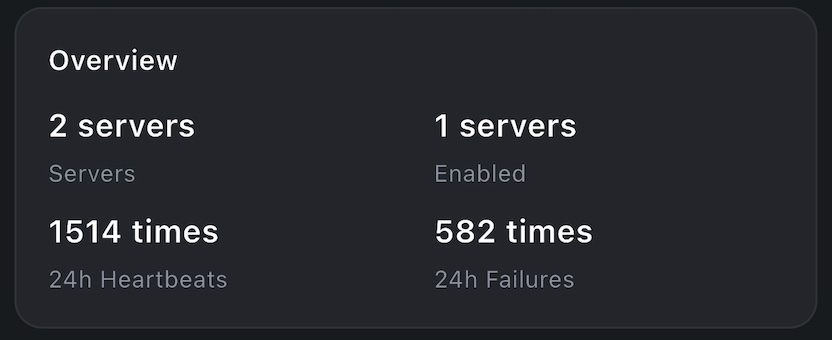
Core Features
Service Management
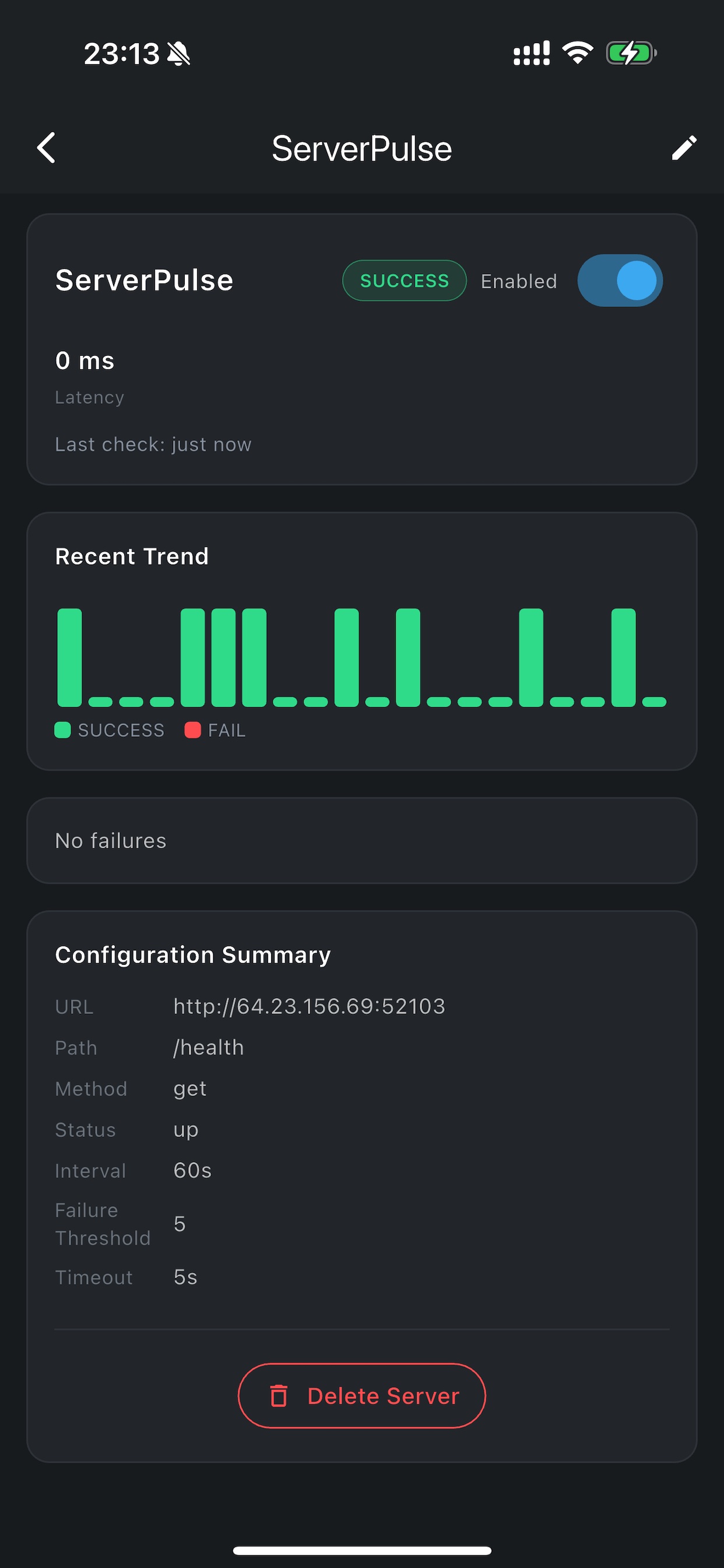
Add/edit services: URL, API Path, request method (GET/POST), and configure check interval, retry threshold, and timeout.
Tasks & Trends
Automatically generate heartbeat tasks and record success/fail. View mini trend charts and recent failures on the detail page.
Real-time Status
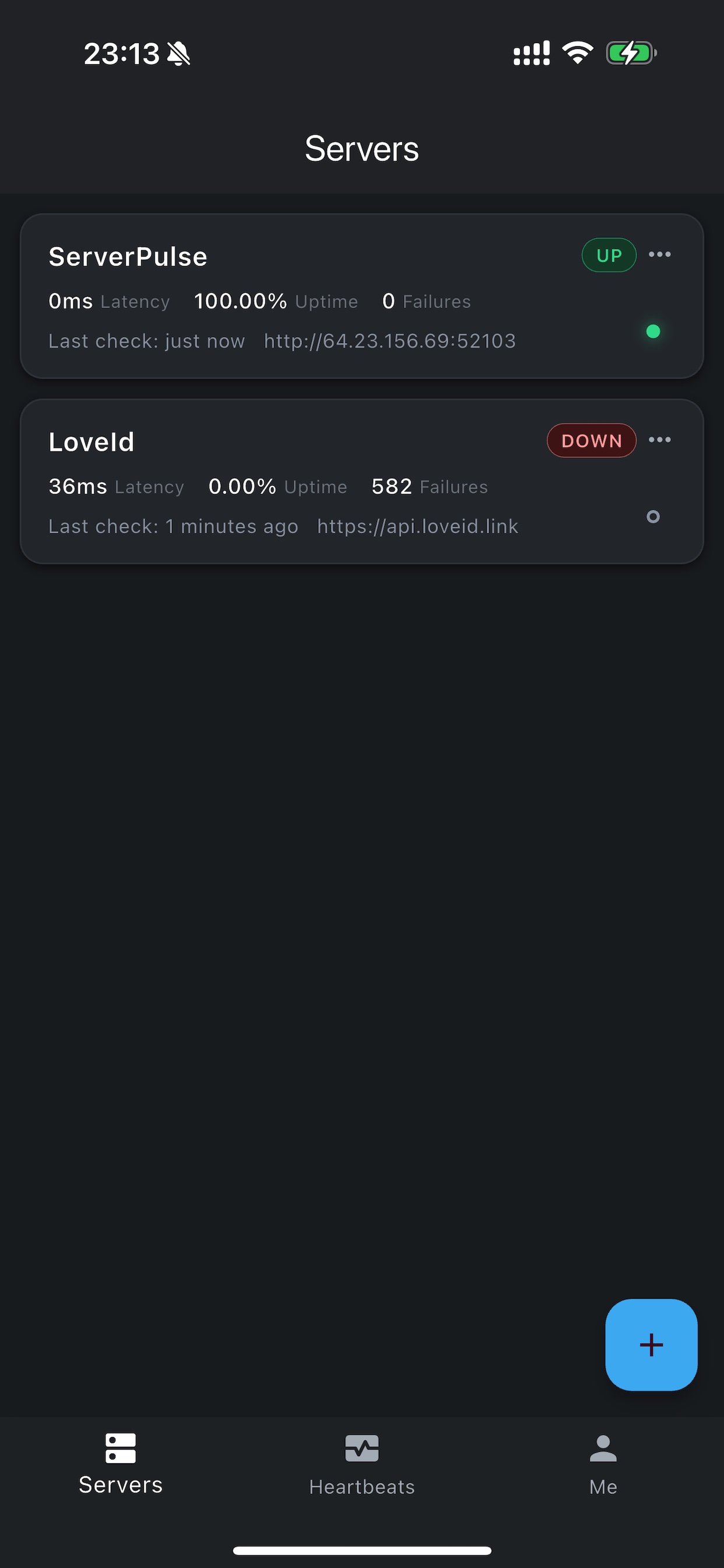
Server list displays the latest non-processing task result in the top-right corner for quick health overview.
Filtering & Details
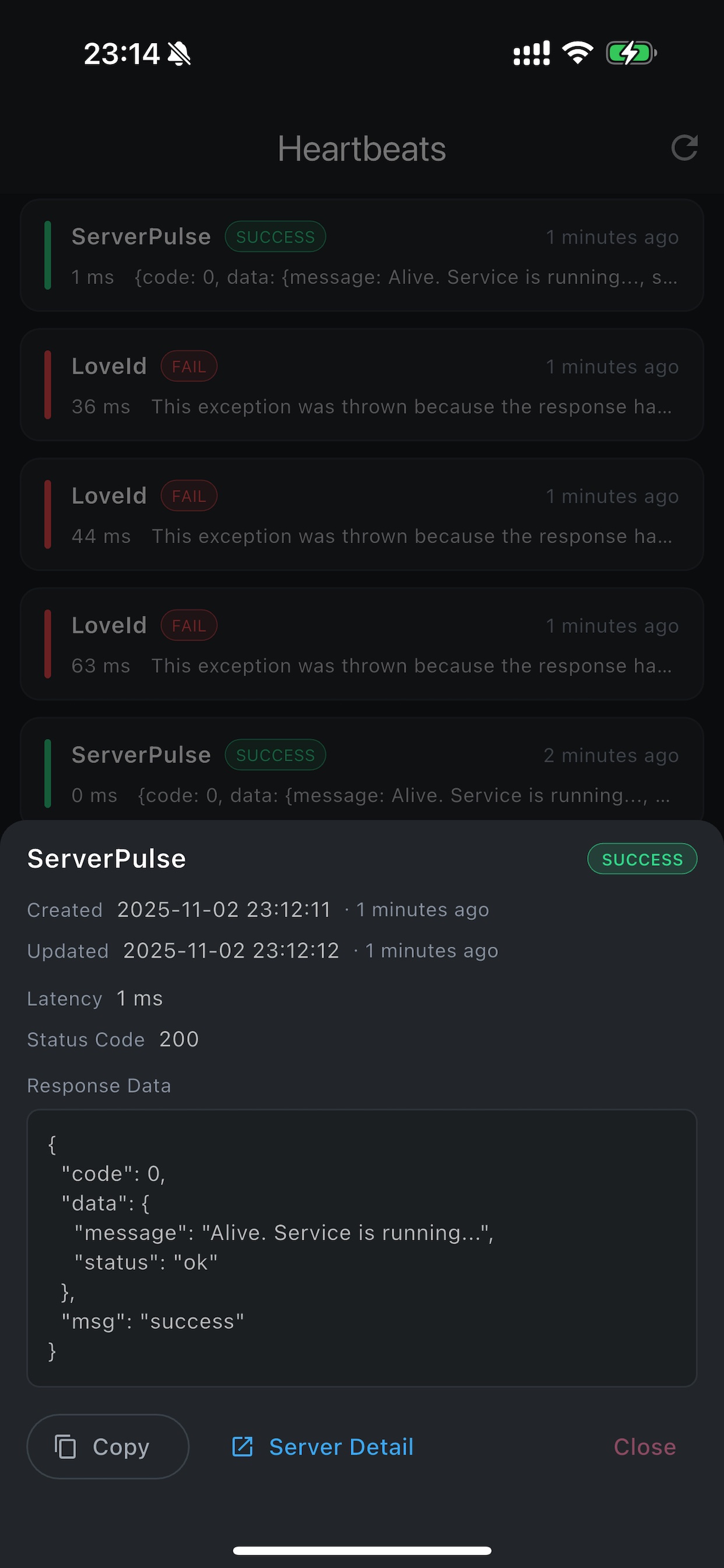
Heartbeat tasks support filtering by status (Processing / Success / Failed). Click to view task details and response info.
Smooth Interaction
Global pull-to-refresh, top progress indicator, refresh without interrupting main content display.
Account & Email
Login required. Supports email verification. Email notifications and more capabilities coming soon.
Screenshots
How It Works
1. Add Services & Policies
- Fill in URL / API Path / Method (GET/POST)
- Set check interval, retry threshold (retry_count), and timeout
- After saving, the service will be checked periodically
2. Automatic Tasks & Records
- Each check generates a task, recording success / failed with time_ms, status_code, etc.
- Task list supports status filtering and detail viewing
3. Visualization & Alerts
- View trend charts and recent failures on the detail page
- List displays the latest task result in the top-right corner
- Email notifications available after email verification (coming soon)
Frequently Asked Questions
What monitoring policies are supported?
Check interval, retry threshold (retry_count), and request timeout. More policies and customization coming soon.
How is the "status" in the list calculated?
The latest non-processing task result for each service: success is green, failed is red.
Does it support email notifications?
Email verification is already supported. Notification feature will be launched soon. Please keep your email verified.
Is my data secure?
You can delete services and task records at any time. We will continue to strengthen account and data security.